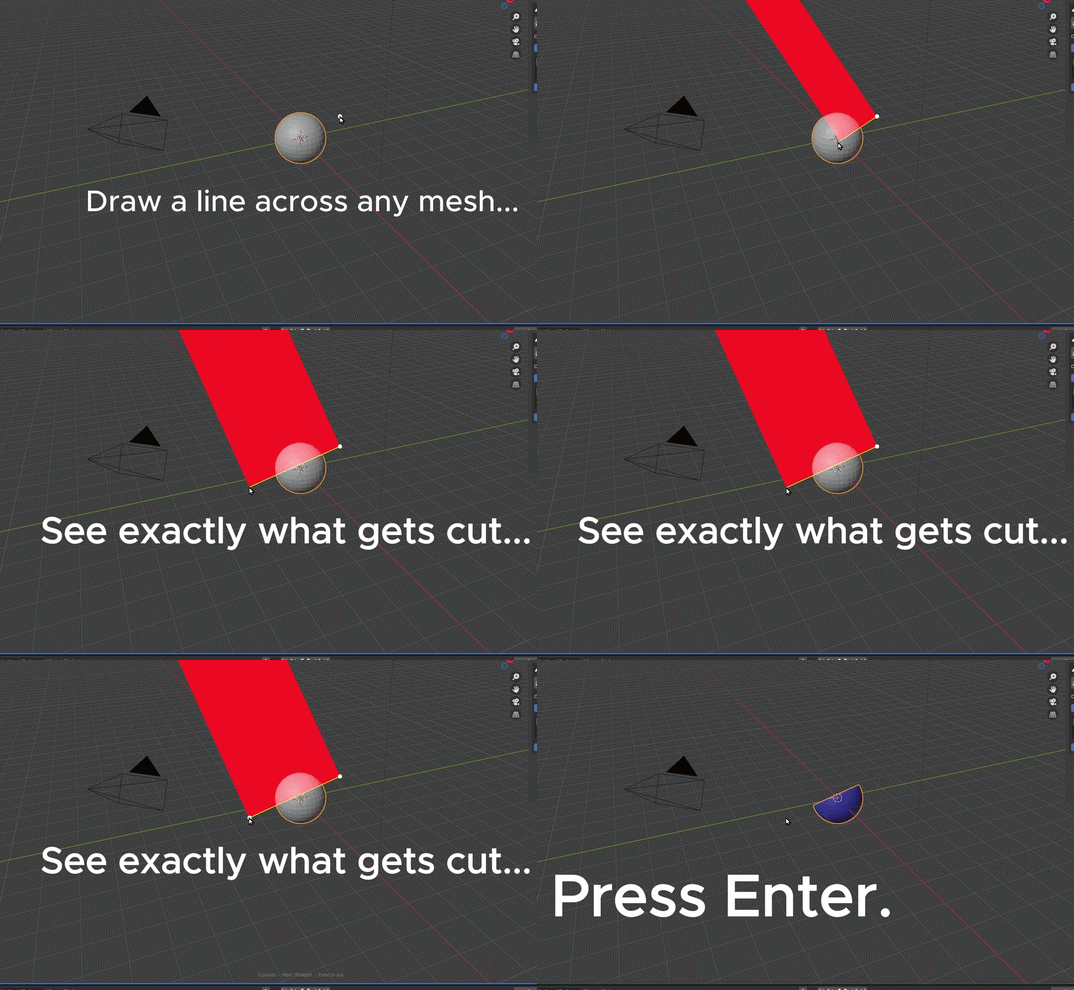
Live
Draw & cut in real time
Draw & cut in real time
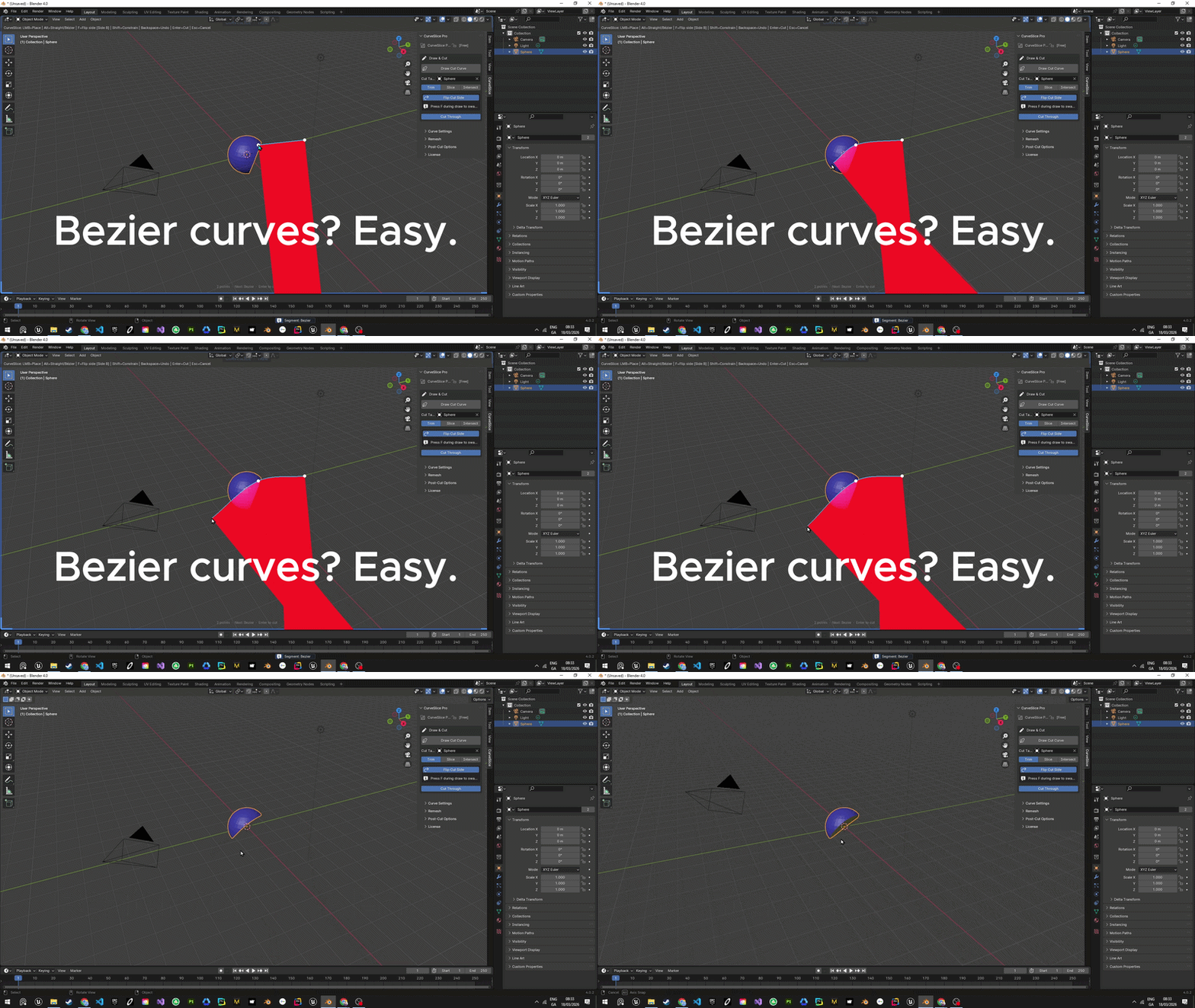
Bezier
Smooth curves, easy
Smooth curves, easy
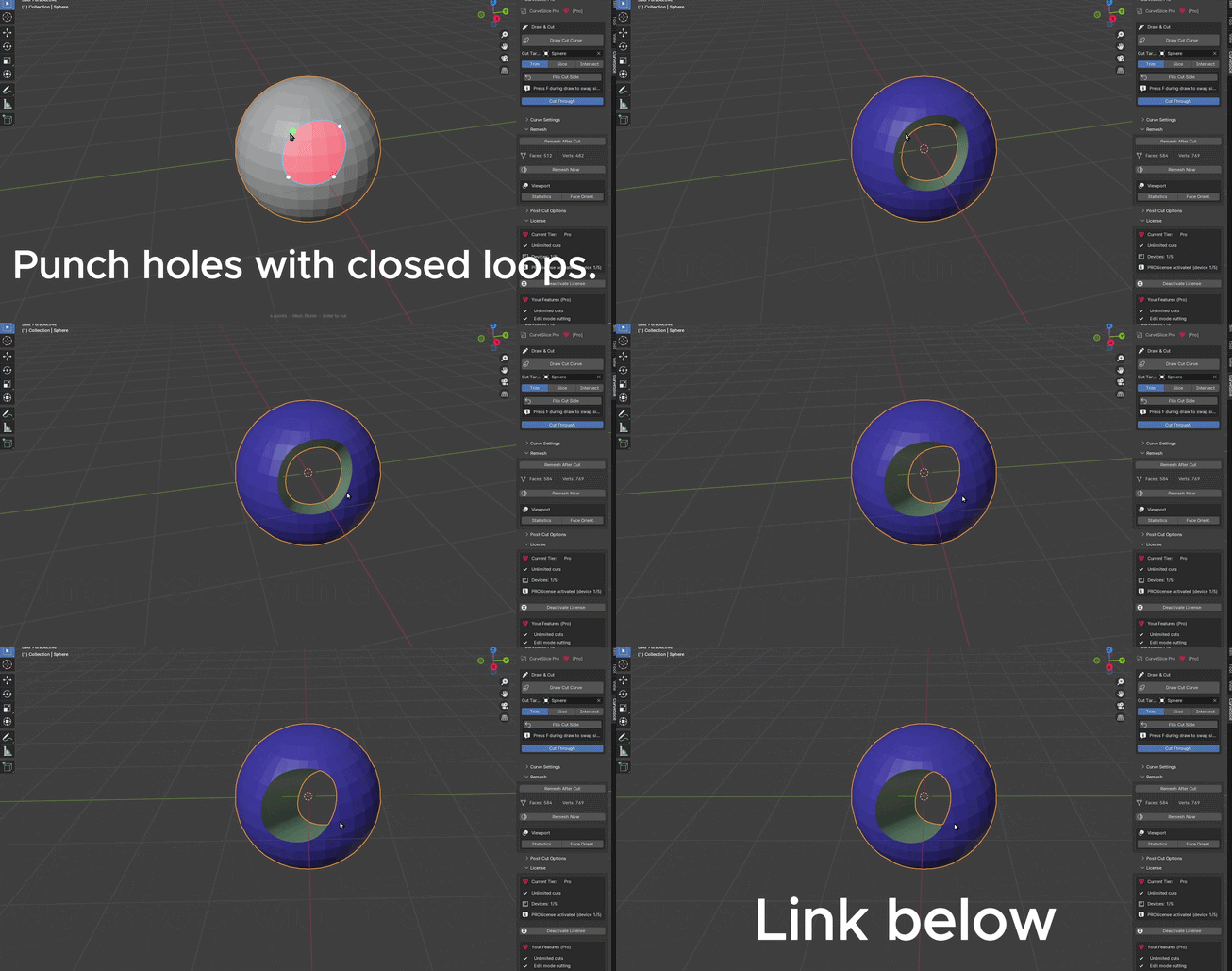
Closed Loop
Punch holes & extract shapes
Punch holes & extract shapes
ZBrush-style interactive curve cutting for Blender. Trim, slice, and carve meshes with precision — in Object, Sculpt, and Edit mode.
Trim removes one side. Slice splits into two. Intersect extracts shapes — all from a single drawn curve.
Draw a closed shape to punch holes or extract regions. Inward and outward modes detected automatically.
Red overlay shows exactly what will be removed before you cut — ray-clipped and precise.
Cut directly while sculpting. The addon handles all mode transitions automatically — cut and keep sculpting without breaking your flow.
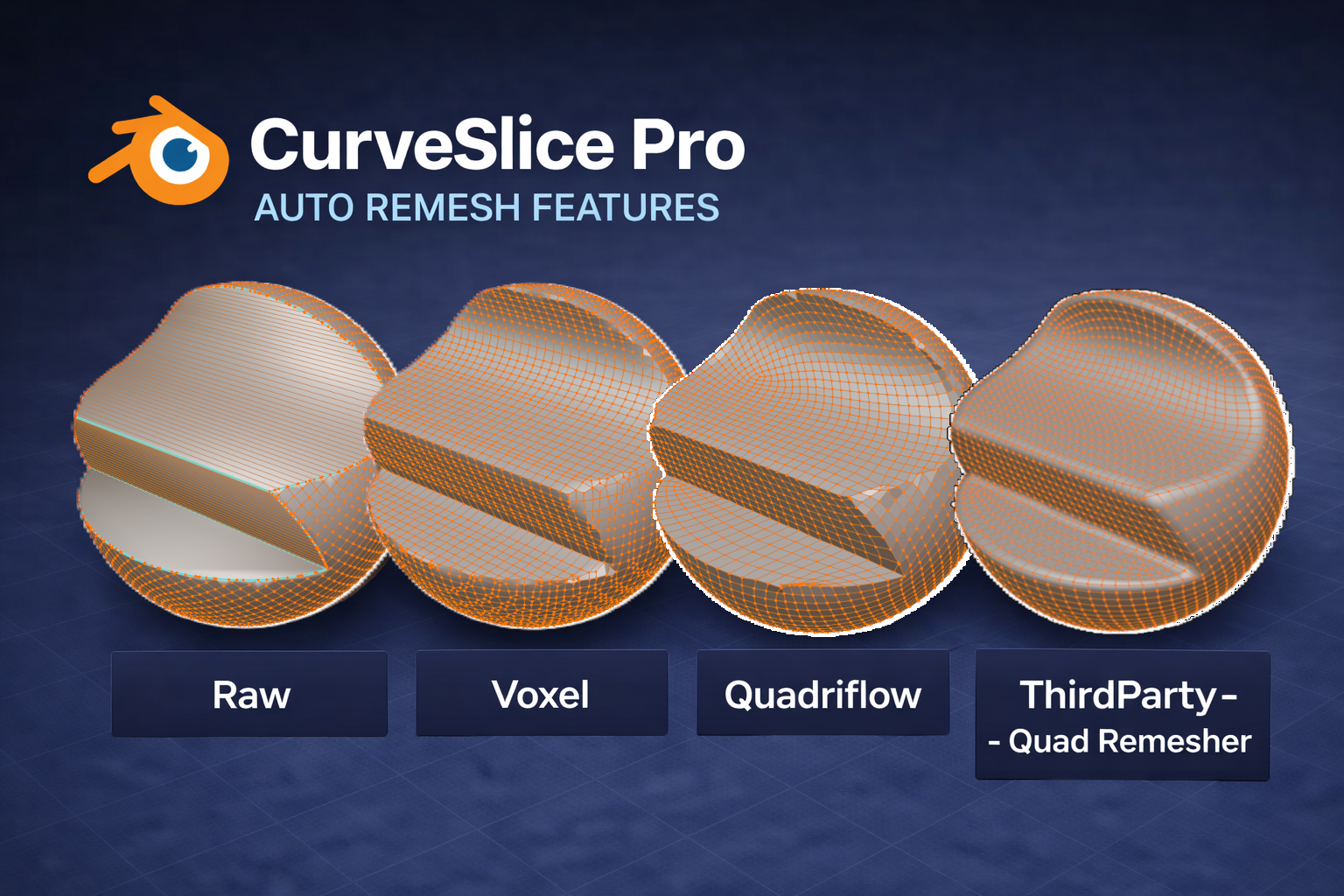
Voxel, QuadriFlow, or QuadRemesher — get clean topology after every cut. Fully configurable and automatic, so you can focus on sculpting rather than cleanup.
Viewport locks while drawing so you never accidentally rotate mid-cut.
Switch between straight and smooth bezier cuts with a single keypress.
Full Blender-native undo integration. Experiment freely.
The standard workflow. Select your target, draw, cut. Full feature access.
Cut without ever leaving sculpt. Returns you to sculpting instantly after the cut.
Precise cuts during hard-surface modeling. Automatic mode transitions included.
Secure payment via PayPal. License key delivered by email.